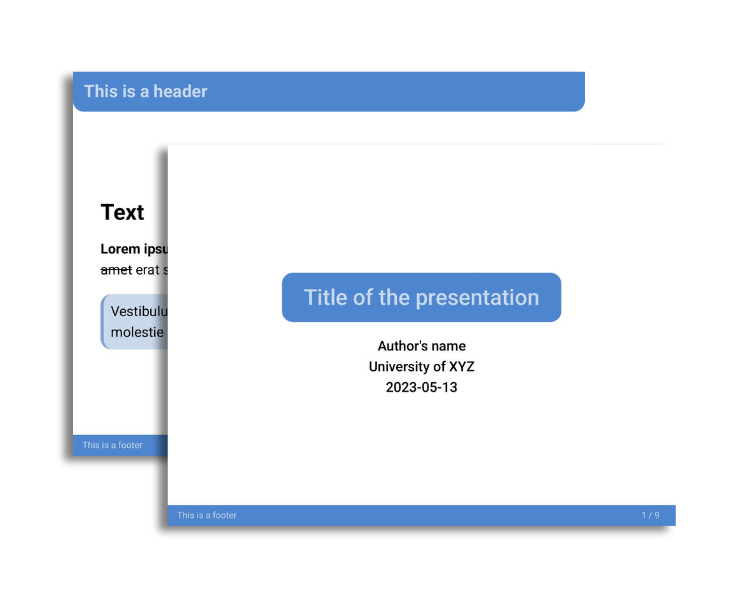
The neobeam theme by mikael-ros is a modern take on the LaTeX beamer. It contains several color variants and custom syntax for features such as a title page or a three-part footer.
If you like the neobeam theme and wish to show support to the author(s), please consider starring the theme’s GitHub repository!
Screenshots
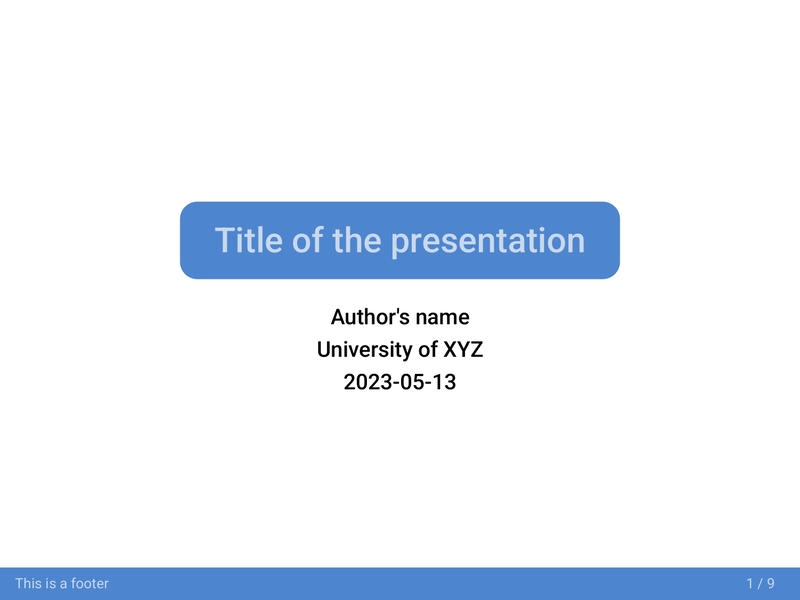
<!-- _class: title -->needs to be specified for the first slide to look like this. Here is an example of what that could look like
---
marp: true
theme: beam
---
<!-- _class: title -->
<!-- _header: "" -->
# Title of the presentation
Author's name
University of XYZ
2023-05-13
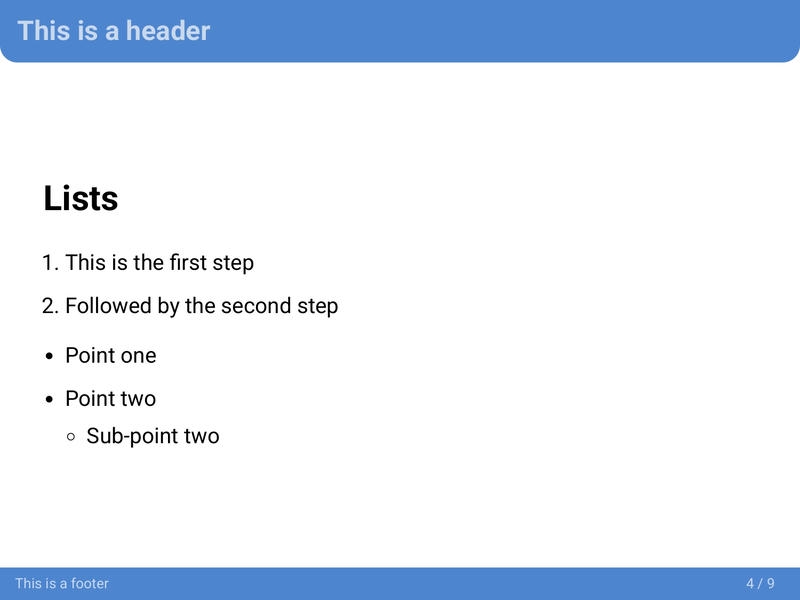
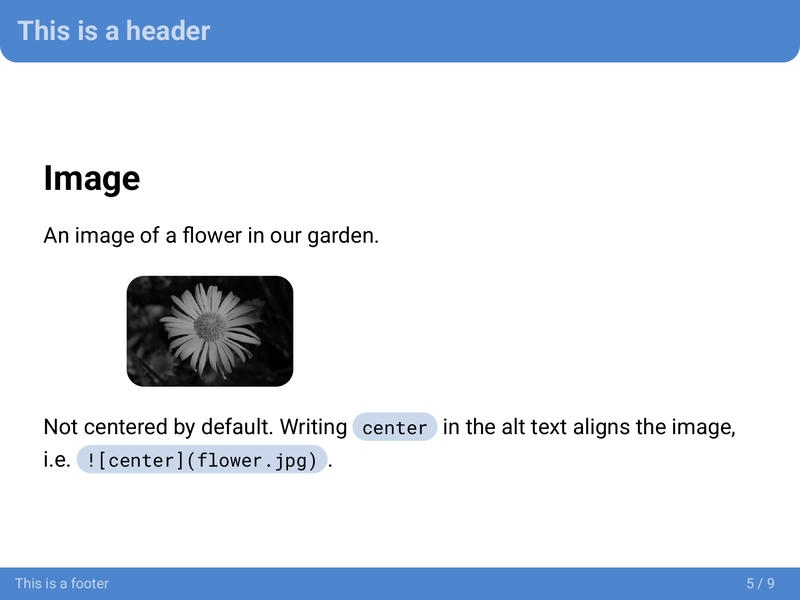
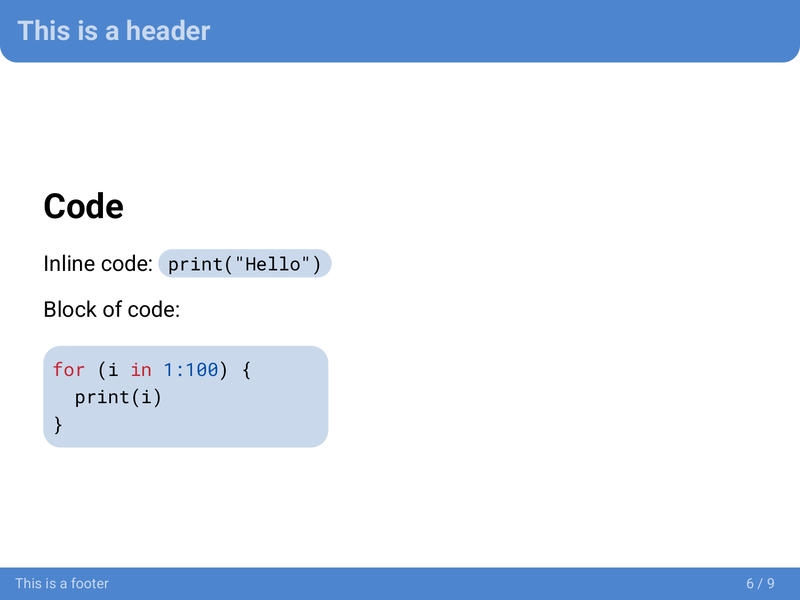
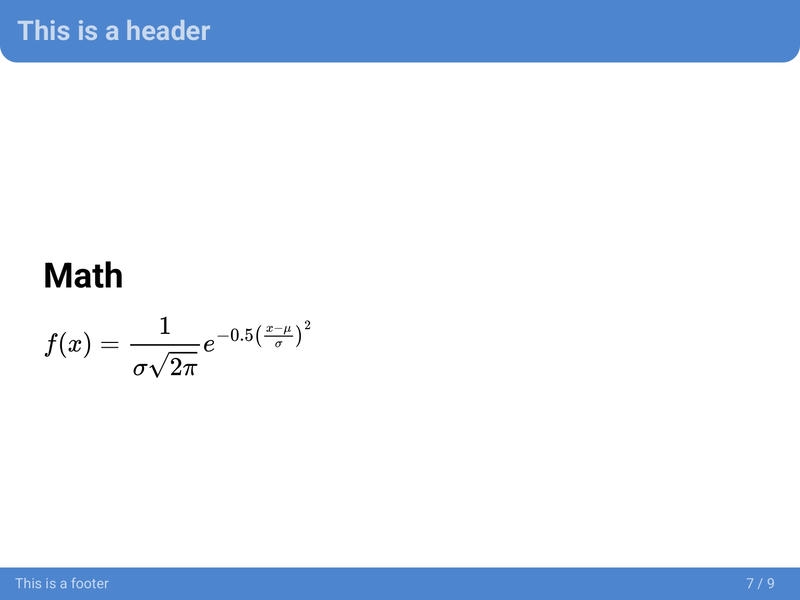
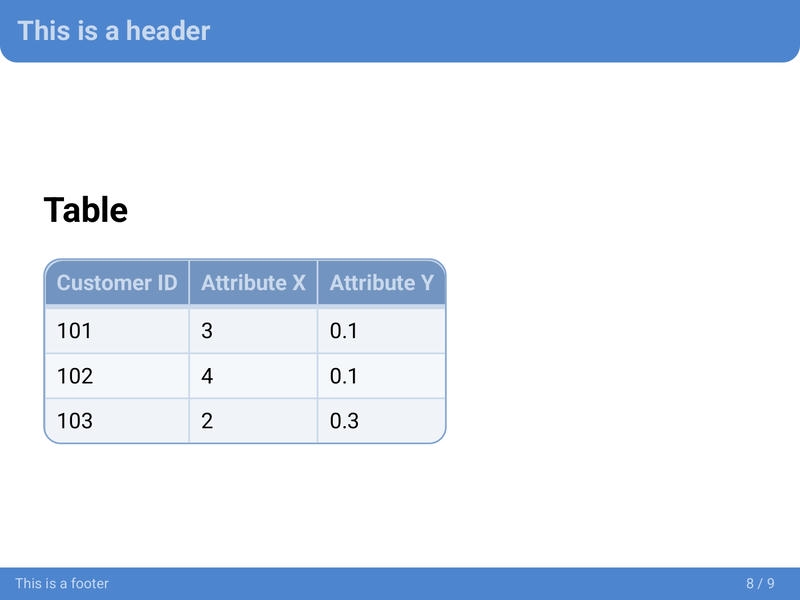
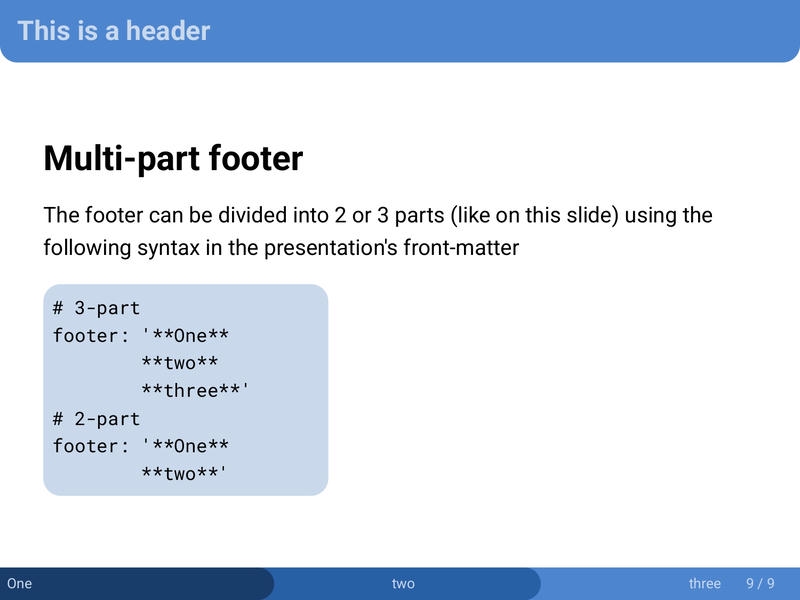
Theme variants
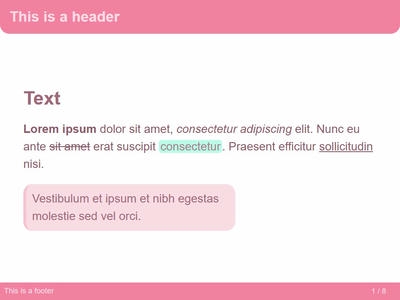
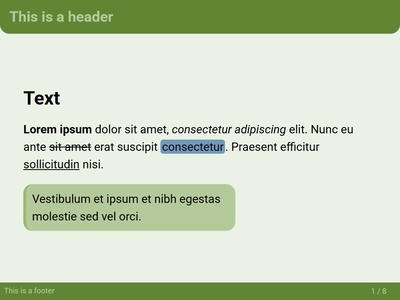
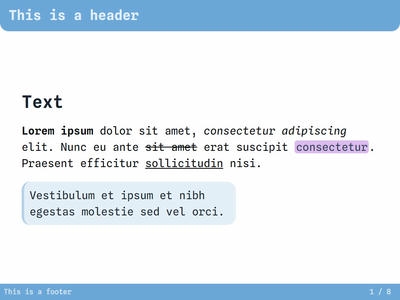
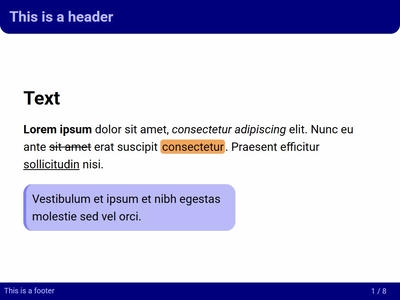
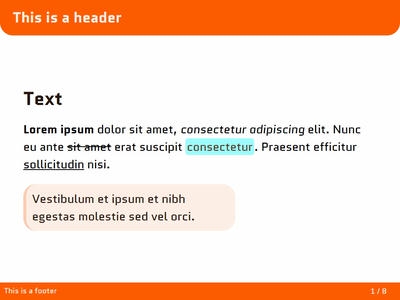
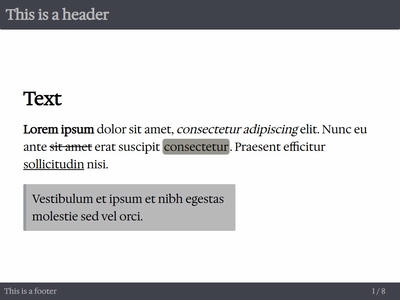
Click each theme name to get its CSS file. Please note that the base neobeam theme is required for these variants to work.
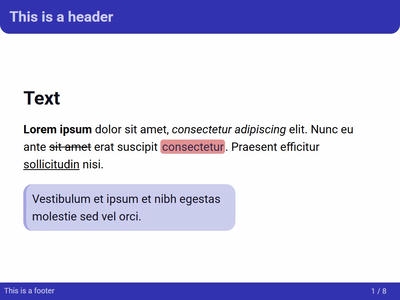
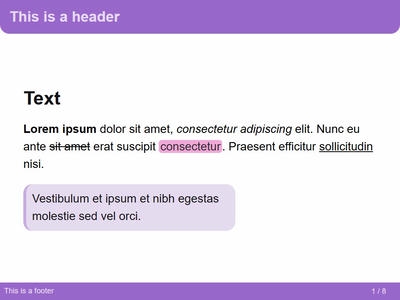
Custom classes and keywords
<!-- _class: title -->
- Changes the layout of the slide to a title page.
- The first Heading 1 will be styled as the title.
- Make sure to include the underscore “_” so that your whole presentation is not made up of title pages.
- Use
<!-- _header: "" -->to disable the header on the title page.
Multi-part footer
The footer can be divided into 2 or 3 parts using the following syntax in the presentation’s front-matter
# 3-part
footer: '**One**
        **two**
        **three**'
# 2-part
footer: '**One**
        **two**'
- By default, images are left-aligned.
- The
centerkeywords centers the image.
Privacy notice
Please, be aware that by using this CSS theme you import fonts from the Google Fonts service. Refer to their Privacy FAQ for more information about using their service.
License
This theme is licensed under the MIT License.